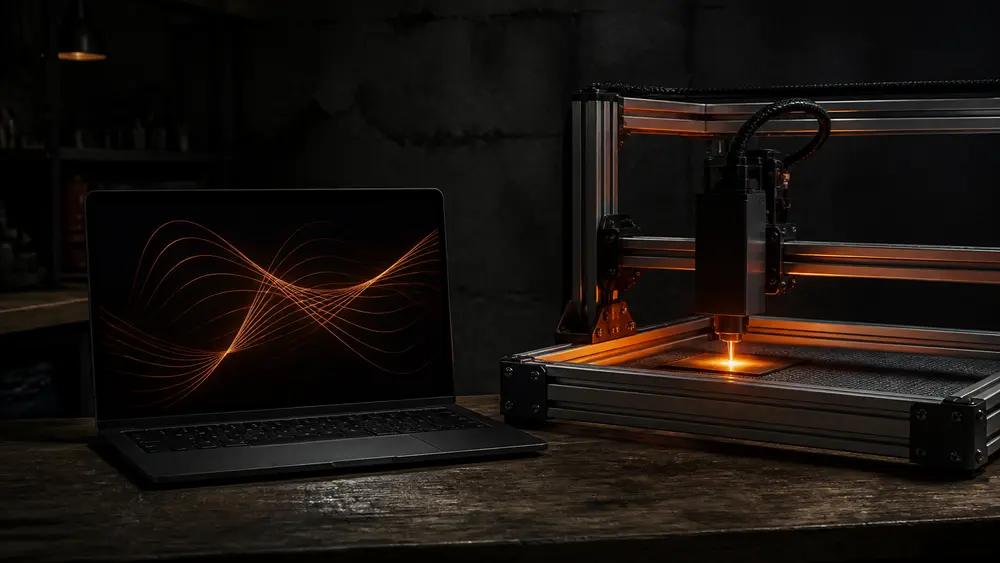
Does LightBurn work with my laser?
Pick one of 52 machines — or one of 5 controller board types — and see whether LightBurn Core or Pro runs it, how it connects, whether the camera works, and which other programs can drive it. Or flip the map: pick a program and see every machine it runs. Each answer links to LightBurn’s or the maker’s own page.
 Pick a machine, or pick a program
Light runs from your machine to its controller and on to every program the sources say can drive it. Tap a program on the right to turn the map around.
━ Works╍ Partly┈ Not confirmedTap a program on the right to flip the map.
Lines follow the sources: solid = works, dashed = partly or in testing, dotted = not confirmed. No line = no, or not listed.
S30 Ultra 33W
Sculpfun lists LightBurn (with M8 air assist) and LaserGRBL, and says Windows and Mac are supported.
- Controller
- G-code: GRBL & co. — 32-bit board with Bluetooth
- LightBurn licence
- Core ($99) is enough G-code device. Sculpfun lists a bundle with a LightBurn Core key (sold out on 2026-11-02).
- Connect in LightBurn
- Not stated for LightBurn. The machine itself (maker’s page, not necessarily in LightBurn): USB or Bluetooth (Sculpfun).
- Camera in LightBurn
- No source covers a built-in camera. LightBurn can add a fixed-focus USB webcam.
Every program for this machine
- ✓LightBurn CoreWorks
- ✓LightBurn ProWorks
- ✓LaserGRBLWorksListed by Sculpfun (LaserGRBL itself is Windows-only).
- ?Maker’s appNot confirmedNo maker app found on the pages we read.
- ✕RDWorksNo / not listedNot listed by RDWorks (Ruida boards only).
- ✕EZCAD2 / EZCAD3No / not listedNot listed by EZCAD (BJJCZ galvo cards only).
- ✓MeerK40tWorksMeerK40t lists this kind of controller; we have not seen a test of each model.
- ✕K40 WhispererNo / not listedNot listed by K40 Whisperer (M2/M3 Nano only).
Cheapest way to run it $0 with LaserGRBL, MeerK40t · LightBurn from $99
See it at Sculpfun ↗Affiliate link
 The controller decides, not the brand
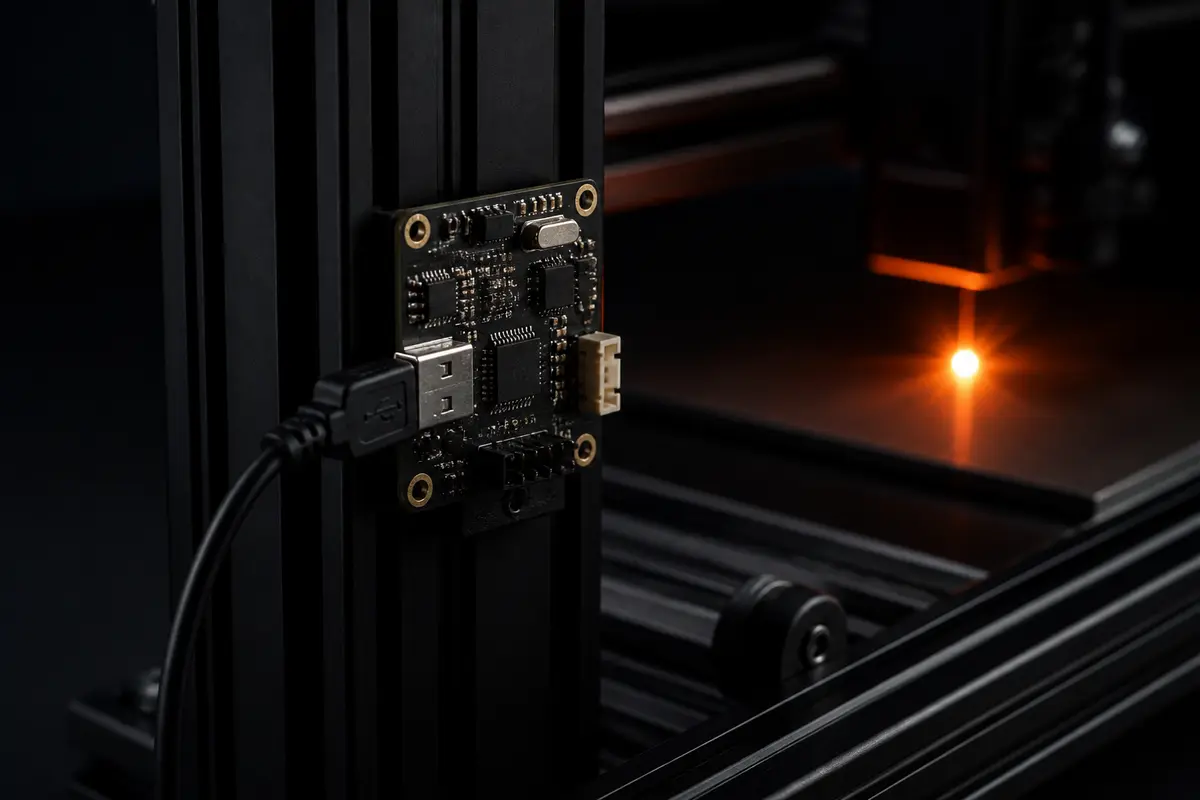
LightBurn sorts every laser by the controller inside it, and the controller sets the licence you need.
The open-frame diode lasers in our list, converted K40s and some CO2 machines. Any LightBurn licence runs them.
LightBurn’s rule of thumb: a laser in a metal case with an LCD panel is probably DSP.
Fiber and UV markers. If yours came with EZCAD or SeaCAD, it needs Pro. USB only.
Two brands sit outside the usual families. LightBurn counts xTool among its G-code firmware but handles it as its own device type, model by model, and rebuilt that support in version 2.2. Epilog joined in 2.2 for four Fusion ranges, on Pro, over the network, as a Labs feature. Not every CO2 laser is DSP, either: LightBurn’s matrix lists the AtomStack Hurricane CO2 on GRBL. When the brand page is vague, look the model up in LightBurn’s hardware compatibility matrix, which has separate G-code, DSP and galvo tables with a compatibility rating for each machine, or paste the board’s settings into our GRBL $$ checker.
 Streamed or stored: what the cable does
The controller also decides whether your computer has to stay connected. Pick a controller, then pull the cable mid-job and watch the difference.
Streaming: the board holds only the next few moves.
LightBurn streams G-code while the job runs. Classic Grbl 1.1 has a 128-character receive buffer and plans up to 16 moves ahead (Grbl wiki), so the computer has to stay connected — unless the machine can run the file from an SD or TF card. To stop a job, use the stop button, never the cable.
Sources: Grbl wiki (Interface, Laser Mode), LightBurn docs (Laser window, Add a galvo), Glowforge support.
 LightBurn Core vs Pro, and what it really costs
LightBurn sells two licences. Core ($99) runs G-code lasers. Pro ($199) adds DSP, galvo and Epilog, and in 2.2 also the True Nest layout tool — the first design feature limited to Pro. Both are paid once, are yours to keep, include a year of updates from the day you activate, and run on up to 3 computers. Each further year of updates is $40, the same for Core and Pro, and renewing before the key expires adds two extra months. The 30-day trial is always Pro and can be extended three times by 15 days. LightBurn 2.2.00 runs on Windows 10/11 (64-bit) and macOS 13 or later; Linux support ended with version 1.7.
If you stop renewing, LightBurn keeps working: every version released before your key expired still runs. Upgrading Core to Pro adds devices but does not extend updates.
Prices checked 2026-11-02 on LightBurn’s store (USD)
 LightBurn vs LaserGRBL, xTool Studio, EZCAD and the rest
The same machine can often run more than one program. Here is what each one runs on and what it can drive, from each program’s own page.
Tap a row for the details. ✓ yes · ◐ with conditions · ✕ no · – not stated
LightBurn vs LaserGRBL
LaserGRBL is free and open source, but Windows-only and for Grbl 0.9 and 1.1 controllers only; its author pitches it as a free alternative for anyone who needs “a simple and effective tool”. LightBurn costs money but runs on Windows and macOS, adds DSP and galvo controllers with Pro, and has camera alignment.
LightBurn vs xTool Studio
xTool Studio is xTool’s own app and runs every xTool machine, including the ones LightBurn cannot (P3, M1, M2). LightBurn runs many brands, but on xTool it lacks the built-in cameras, and xTool says the S1, P2 and P2S lose some features in LightBurn.
xTool Creative Space vs xTool Studio
Studio is the successor to XCS. XCS ended at version 2.7 in June 2025 with no further updates; machines released after August 2025 — P3 and the F2 range — work only with Studio. The two install side by side, but after xTool’s new firmware, versions below 1.6 stop working.
LightBurn vs Falcon Design Space
Creality’s free Falcon Design Space is the app on its Falcon A1 page. For the A1 Pro, Creality lists all three: LightBurn (paid, 30-day trial), LaserGRBL and Falcon Design Space. The A1 Pro also has a LightBurn camera preset.
LightBurn vs EZCAD
EZCAD is BJJCZ’s software, sold together with its galvo control cards: EZCAD2 with LMC cards, EZCAD3 with DLC cards. LightBurn Pro drives EZCAD2, EZCAD2 Lite and EZCAD3 boards over USB and imports EZCAD’s calibration files, so you can keep one program for gantry and galvo lasers.
LightBurn vs RDWorks
RDWorks is Ruida’s own software for its DSP boards. LightBurn Pro runs the same Ruida boards over USB or Ethernet, and its Send button stores the job in the controller as a named file that you start from the laser’s panel.
LightBurn vs Inkscape
Inkscape is a free vector editor, not a laser controller. J Tech Photonics’ free extension turns SVG paths into G-code (no photo engraving), and another program still has to send the file. LightBurn opens SVG, PDF and DXF files, so Inkscape can stay your drawing program either way.
 Free alternatives to LightBurn
A free program only helps if it speaks your controller. The ladder shows what you pay to run a laser from your computer; the checker above shows which of these each machine can use.
One-time prices (updates are $40 a year). Each free program only runs certain machines — check yours with the checker above.
- GRBL lasers: LaserGRBL (Windows) or MeerK40t (Windows, macOS, Linux). Many makers also offer a free app — AtomStack Studio, Sculpfun Space, Falcon Design Space, CutLabX on the Genmitsu L8 — while others do not state a price.
- Stock K40 (M2 Nano): K40 Whisperer or MeerK40t. MeerK40t can even sit between LightBurn and the K40 by pretending to be a Ruida.
- Ruida CO2: RDWorks, from Ruida. EZCAD galvos: the EZCAD that came with the card.
- xTool, WeCreat, LaserPecker, Glowforge: the maker’s own app — for Glowforge, the only option.
- To turn a photo into an engraving file in the browser for free, try our photo to laser engraving tool; it writes an image any of these programs can load.
 LightBurn cameras, files and connections
LightBurn’s camera feature places designs on a live image of the bed. It needs a fixed-zoom camera that your computer sees as a webcam, or a network camera that sends MJPEG; LightBurn suggests 8–12 MP, at least 12 frames per second and a fixed focus, and it is winding down sales of its own cameras. Nothing in LightBurn’s Core vs Pro comparison limits cameras to Pro.
- ✓A fixed-zoom USB camera your computer sees as a webcam
- ✓A network camera that sends MJPEG or single frames
- ✕RTSP streams
- ✓Presets: WeCreat, Creality Falcon A1 Pro, Thunder Laser Vision
- ✕xTool and Epilog built-in cameras (not yet in 2.2)
Files. LightBurn 2.2 opens AI, SVG, DXF, PDF, PLT/HPGL, G-code and Ruida RD files, plus PNG, JPG, BMP, GIF, TIFF and WebP images; 2.2 adds Gerber circuit files and 3D models (STL, 3MF, OBJ and others) for depth-map engraving. It exports AI, SVG and DXF.
Connections. G-code lasers connect over USB serial, or over Ethernet or Wi-Fi (TCP) when the board supports it — LightBurn recommends 2.4 GHz Wi-Fi and notes that GRBL networking is not standardised. Ruida boards use USB or Ethernet with a fixed IP. Galvo lasers use USB only. In 2.2, xTool machines other than the D1, D1 Pro and S1 use the network, even over the USB cable; those three are USB only.
 Cricut and CNC routers: not LightBurn’s job
Two machines that come up in “does LightBurn work with” questions are not lasers at all.
Blade: Cricut
Cricut cuts with blades and engraves with a tip. Software: Design Space (free).
Design SpaceBeam: laser
LightBurn is for lasers — including a laser module on a GRBL CNC, set up as a GRBL device.
LightBurnBit: CNC router
For milling with a spindle, LightBurn’s maker sells MillMage (Core $99, Pro $199).
MillMageA GRBL CNC router with a laser module is the exception: set it up in LightBurn as a GRBL device, switch $32 to 1 for the laser and back to 0 for the spindle, and match S-value max to $30, which is often 10,000 on CNC boards. For feeds and speeds when the router is milling, see our CNC chipload calculator.
 Before the first job in a new program
- 01Save what works now
Before switching, keep a copy of your settings. On GRBL, send $$ and save the reply (our GRBL settings checker explains every line); on other machines, export the maker’s device and material settings.
- 02Match the power scale
On GRBL, LightBurn’s S-value max must equal $30, and $32 must be 1 for laser mode. xTool and WeCreat need minimum firmware versions — the checker’s firmware line has them.
 03Update in the right order
xTool’s new firmware needs LightBurn 2.2.00 or later and xTool Studio 1.6 or later; older XCS stops working. xTool says firmware can only be rolled back over a USB cable.
- 04Frame, then test on scrap
Frame the job to see where it lands, then burn a small power–speed grid with the material test generator. LightBurn says to use its Labs features with care, and with cheap materials at first.
 05Stay with the machine
Run the exhaust, keep an extinguisher in reach and never leave a running laser alone, whatever program drives it. Check the material first with what not to laser cut.
LightBurn-ready machines from our partners
AtomStack A-seriesAtomStack lists LightBurn, LaserGRBL and its free AtomStack Studio for the A70 Max and A20 Pro V2.Sculpfun S70 Max + LightBurn Core keyThe S70 Max sold with a LightBurn Core licence key (available on 2026-11-02; Sculpfun’s S30-series bundles were sold out).TwoTrees TTS-20 ProTwoTrees lists LightBurn and LaserGRBL, with a “Lightburn Bundle” option on the page.Affiliate links: the links in this section, the “See it at” buttons in the checker and the AtomStack, Sculpfun and TwoTrees source links go to the makers’ stores through Awin. If you buy, we may earn a commission at no extra cost to you. We have not tested these machines, and the commission does not change any answer in the checker. More detail is on our AtomStack, Sculpfun and TwoTrees pages.
FAQ
- Does LightBurn work with xTool lasers?
- It depends on the model and its firmware. LightBurn 2.2 supports the D1, D1 Pro and S1 over USB, and the F1, F1 Ultra and P2S over the network; the F1 Lite, F2, F2 Ultra, F2 Ultra UV and P2 are listed as needing further testing. The P1, P3, M1, M1 Ultra, M2 and MetalFab are unsupported, and xTool’s built-in cameras do not work in LightBurn yet. Newer xTool firmware needs LightBurn 2.2.00 or later.
- Is LightBurn free?
- No. There is a free 30-day trial, which is always LightBurn Pro and can be extended up to three times by 15 days. After that, LightBurn Core costs $99 and Pro $199, paid once with a year of updates; each further year of updates is $40. LaserGRBL is a free alternative for GRBL machines on Windows, and many laser makers offer a free app for their own machines.
- Do I need LightBurn Core or Pro?
- Core runs G-code controllers — GRBL, grblHAL, FluidNC, Smoothieware, Marlin and xTool — which covers every open-frame gantry diode laser in our list. Pro adds DSP controllers (Ruida, Trocen, TopWisdom, common on CO2 lasers with an LCD panel), galvo lasers with EZCAD2, EZCAD3 or BSL boards, and Epilog in 2.2. Upgrading Core to Pro later costs $100, so the total is the same $199.
- Does LightBurn work with Glowforge or Cricut?
- No. A Glowforge runs only from Glowforge’s web app and needs internet access; it is not in LightBurn’s controller lists, though Glowforge Premium can export designs for LightBurn to use on other lasers. Cricut machines are blade cutters, not lasers, and use Cricut Design Space.
Sources
Each machine’s own sources are listed under its result in the checker. LightBurn’s xTool table is dated 6 October 2026 and changes with xTool’s firmware, so check it again before you buy.
- LightBurn: Which version of LightBurn is right for you?
- LightBurn store: licenses (perpetual, 3 seats)
- LightBurn: Download and trial (30 days, Windows and macOS)
- LightBurn docs: License management (trial extensions)
- LightBurn docs: License FAQ ($40 renewal)
- LightBurn docs: Licensing (early renewal, Linux)
- LightBurn docs: Install LightBurn (system requirements)
- LightBurn docs: Find your laser type (GCode, DSP, Galvo)
- LightBurn Hardware Compatibility Matrix
- LightBurn docs: xTool (2.2; models as of 2026-10-06, firmware as of 2026-10-16)
- LightBurn docs: Epilog (2.2, Labs)
- LightBurn forum: “LightBurn 2.2 is out now!” (2026-10-19)
- LightBurn docs: New in 2.2
- LightBurn docs: Laser window (Send is for DSP only)
- LightBurn docs: Add a galvo laser (USB only)
- LightBurn docs: GRBL network connection
- LightBurn docs: Ruida over Ethernet
- LightBurn docs: Choosing a camera
- LightBurn docs: Add a camera (presets)
- LightBurn docs: File management (formats)
- LightBurn docs: CNC-based lasers
- LightBurn: Which version of MillMage do I need?
- Grbl wiki: Grbl v1.1 Interface (streaming, 128-character buffer)
- Grbl wiki: Grbl v1.1 Laser Mode (M3 keeps power when stopped)
- LaserGRBL (official site)
- LaserGRBL FAQ (Windows only)
- LaserGRBL: Wi-Fi with ESP8266
- xTool: Transition from XCS to xTool Studio
- xTool Studio release notes
- xTool: Software failure after firmware upgrade (2026-10-12)
- xTool: System optimization and upgrade notification (2026-10-10)
- AtomStack Studio (free)
- Ruida: software downloads (RDWorks)
- BJJCZ: EZCAD2 with LMC control cards
- BJJCZ: EZCAD3 with DLC control cards
- MeerK40t (GitHub)
- K40 Whisperer (Scorch Works)
- J Tech Photonics Laser Tool for Inkscape
- Glowforge support: “Your Glowforge needs internet access”
- Glowforge Premium (export for LightBurn, RDWorks)
- Cricut Maker 4 (blades and engraving tip)
- Cricut Design Space (free)
Last checked 2026-11-02 · Compiled from LightBurn’s and the makers’ own pages; no laser was used to make this page. See also our machine table and diode vs CO2 vs fiber.